Next window
Instagram
1:00
opens at 8:00 PM · 30 min a day
Two ways to put an app out of reach, and neither has a button that hands it back. Give apps a daily budget and the hours they're allowed, where the only way to loosen a rule is to wait. Or anchor the phone in one tap, and lift it only with an NFC tag you left somewhere else.
iOS 18 or later, and a Mac app that locks with it. Built on Apple's Screen Time API. Nothing collected.macOS 15.0 or later. The Mac app enforces on its own, because Apple's Screen Time API does not exist on macOS. Nothing collected. The iPhone app is on the App Store.
Turn the page: an hourglass, a row, or a drag across the phone. The bar at the bottom is the other half.
Pick apps, categories and websites from Apple's own picker. Give each a daily budget in minutes and, if you want, the hours it's allowed. Tightening is instant; anything that gives you back time waits a delay you set in advance.
Budgets, windows and the delay ›A second list you lock in one tap, or turn inside out so the whole phone goes. No delay, no timer, no code. The only thing that lifts it is holding your phone to an NFC tag you paired and left somewhere else.
How the Anchor works ›Use either on its own. Neither one needs the other.
A second list of apps you lock in one tap, from anywhere. The only thing that unlocks it is holding your phone to an NFC tag you paired. Leave the tag at home and your phone stays anchored until you're back.
Hold that button down, the way you'd hold the phone against the tag.
Every app gets a daily budget, counted across all its windows and spent whenever it's in front. Five minutes before it runs out you get a warning. At zero, iOS shields the app until midnight.
Drag it. Five minutes to four hours, in steps of five.
Eight to ten on school nights. Later on weekends. A window can run past midnight, and each one can have its own days. Outside the windows, the app is shielded.
A longer window, a bigger budget, removing an app: each waits out a delay you set in advance, and you can cancel it while it does. Apps you mark Hazard wait four times as long. Apps you mark Essential wait a quarter.
Move the tier and the wait moves with it: six hours to four days.
The block screen says which app is closed and when it opens next. That is the whole conversation. No snooze, no "one more minute", no code to type. The app can't be deleted while it's shielded, either.
Go on, tap Close. It is the only button on the screen.
The top bulb is the window and drains with the countdown. The pile carries the budget: sand while there's plenty, amber after the warning, ember once it's spent. The same glass sits in every row, the widget and the Live Activity.
Point at one, or press it, to watch that state run.
No account, no server, no analytics. Nothing leaves your iPhone until you link it to another device, and then only to your own iCloud: the Anchor's state, so your Mac can lock with it, and the names of what you add if you say so. Apple's Screen Time API never even tells Furlough which apps you picked.
Read the privacy policySettings › Screen Time › Apps with Screen Time Access › Furlough › off. It lifts every shield at once. Furlough can't prevent it, and says so on purpose.
Support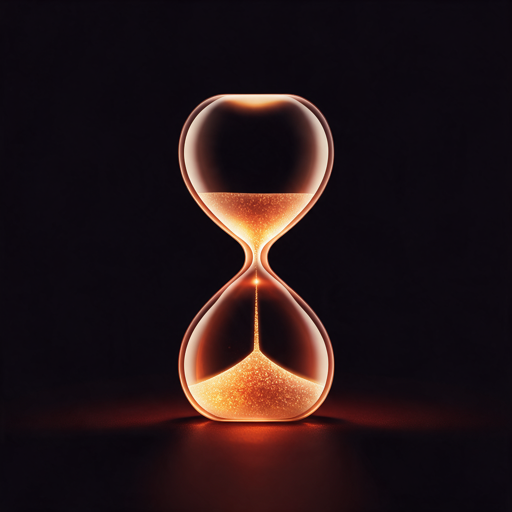
Free of accounts, free of servers, and free of an unblock button. It only works if you mean it.
The App Store listing is the iPhone app. It installs on an Apple silicon Mac and blocks nothing there, because Apple's Screen Time API does not exist on macOS — the Mac app is a separate download.Furlough for Mac is a separate download, signed and notarized by Apple. What it is, and what macOS will ask for.